




The U.S. Department of Health and Human Services (HHS) Office of Minority Health (OMH) Data Resources and Integrated Visualization Ecosystem (DRIVE) is an interactive data visualization dashboard that integrates several measures from the U.S. Census Bureau’s American Community Survey (ACS) across multiple population groups at national and state levels. OMH DRIVE is a user-friendly tool that provides dynamic data visualizations for socioeconomic indicators and non-medical drivers of health. Unique from other data tools, OMH DRIVE allows data to be explored and visualized for specific race and ethnicity groups.
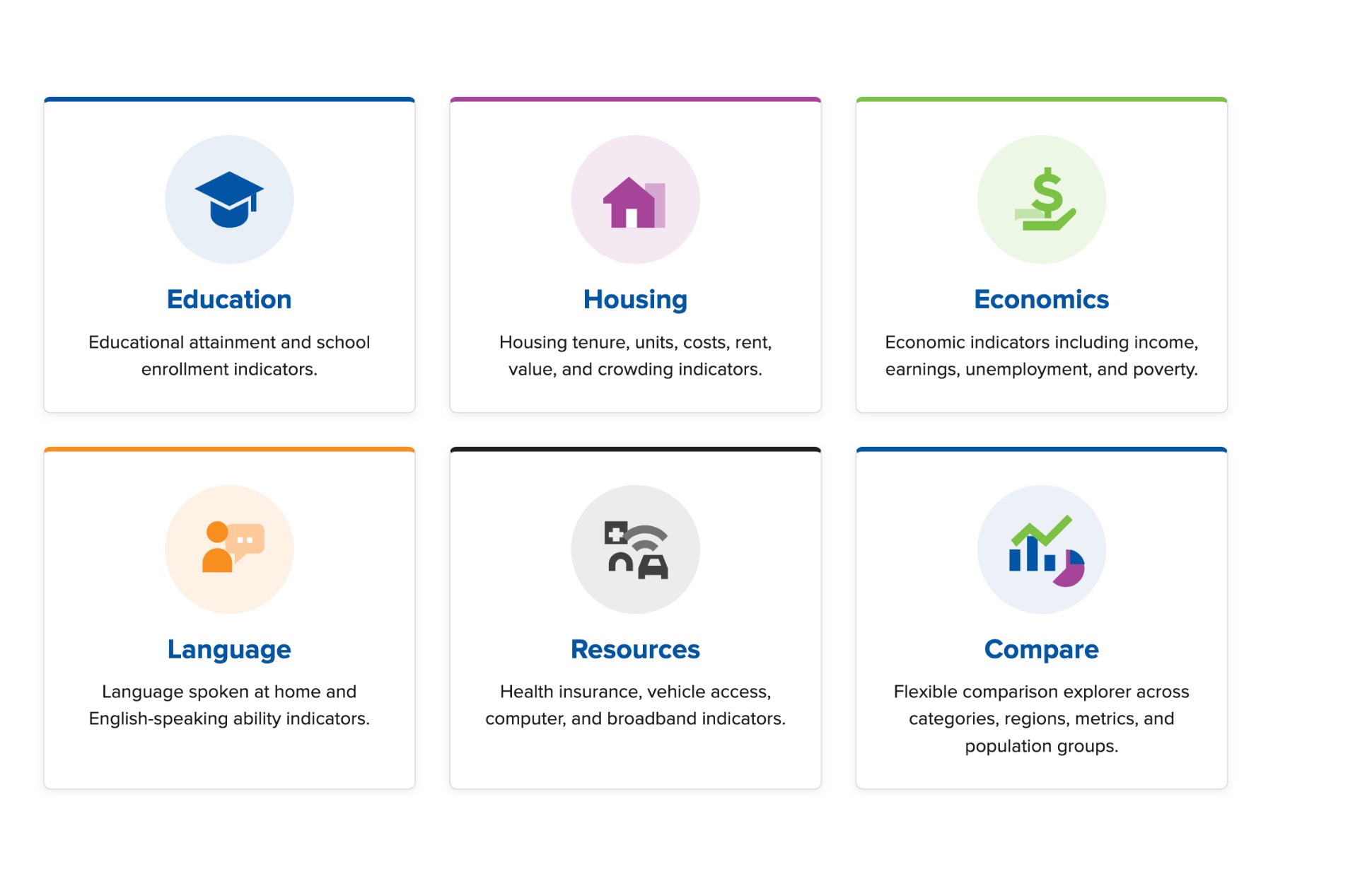
OMH DRIVE includes data dashboards for five key factors related to health and a compare dashboard:
How to use the OMH DRIVE Dashboard
Home Page
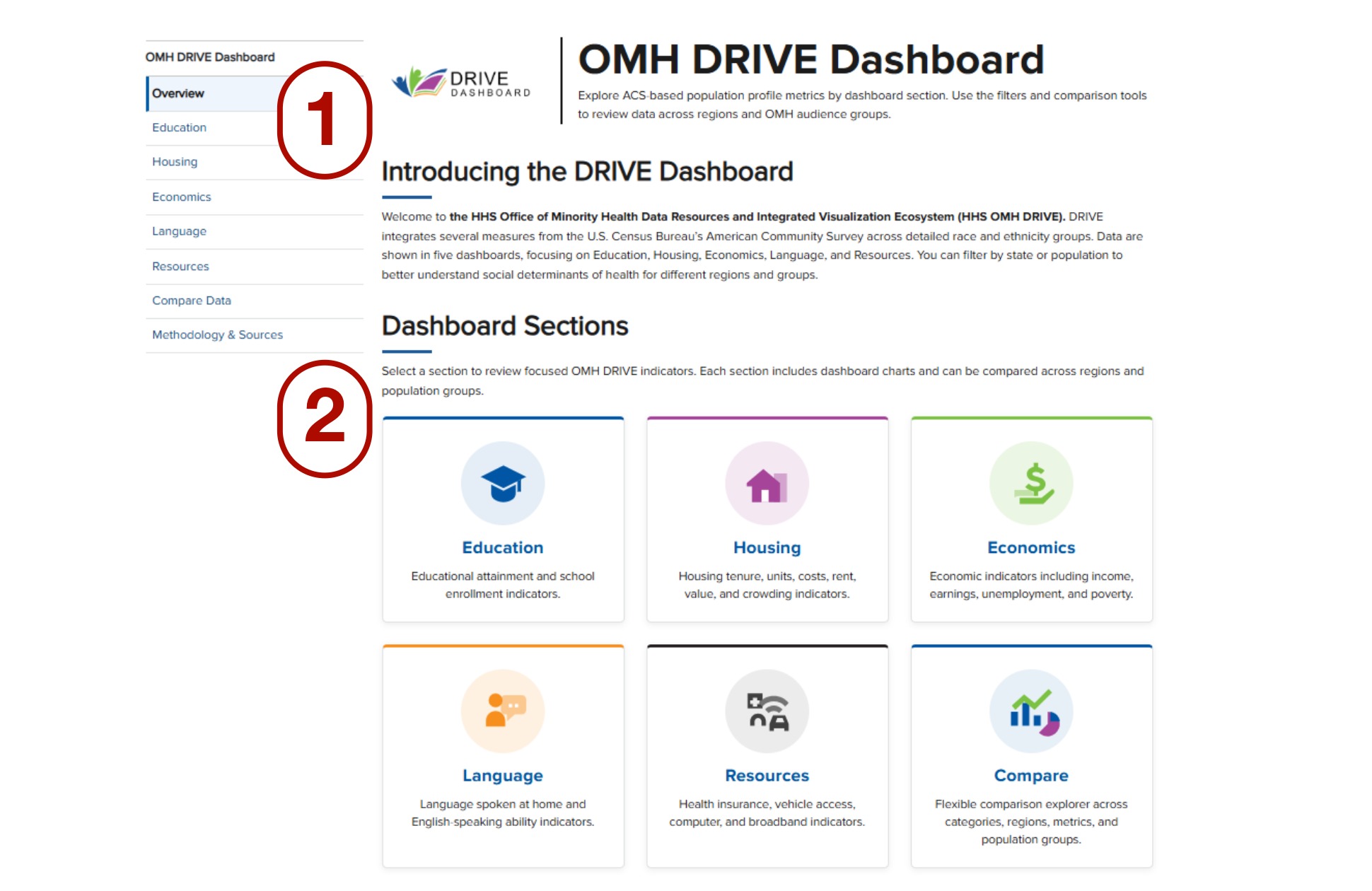
OMH DRIVE’s home page includes the Dashboard sections as a list (part 1) or as buttons (part 2).
Key Factors
- Select one of the five key factors (Education, Housing, Economics, Language, or Resources) by clicking a key factor from the side list (part 1) or one of the buttons (part 2).
- At the end of every key factor, there is a “View source data table
Reporting
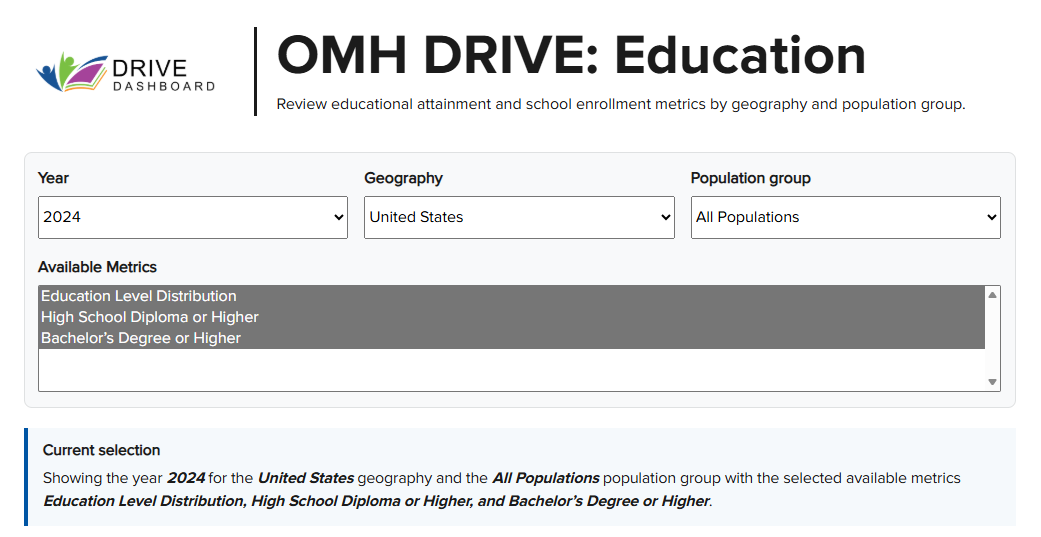
Within each key factor page, you can use the drop-down menus to filter available data by Year, Geography, or Population group. Similarly, there is a list of Available Metrics specific to each of the five key factors.
The Available Metrics will be updated based on the selected Year, Geography, and Population group.
DRIVE’s current version includes data from:
Year: 2023, 2024
Geography: United States, each one of the 50 states, and the District of Columbia.
Population group (in alphabetical order):
- All populations
- American Indian and Alaska Native alone, not Hispanic or Latino
- Asian alone, not Hispanic or Latino
- Black or African American alone, not Hispanic or Latino
- Hispanic or Latino (of any race)
- Native Hawaiian and Other Pacific Islander alone, not Hispanic or Latino
- White alone, not Hispanic or Latino
For example, for Education, by default, OMH DRIVE shows the year 2024 for the United States geography and the All Populations population group with the selected available metrics Education Level Distribution, High School Diploma or Higher, and Bachelor’s Degree or Higher.
To compare regions/groups or years, please see Compare Data.
Compare Data
- Within the Compare Data page, you will see three drop-down menus and four lists to select multiple available metrics.
- The options from the three drop-down menus (Comparison mode, Dashboard category, and Chart type) can be selected one at a time per drop-down menu.
- The metrics from the four lists can be selected using the CTRL + metric for individual selection or SHIFT + metrics for multiple metrics.
- There is a Current selection text box that highlights the selected options from the drop-down menus and the four lists. See example below:

| Drop-down menu options | |
|---|---|
| Comparison mode | Compare regions/groups (i.e., United States, any of the 50 states, District of Columbia) |
| Compare years (i.e., 2023, 2024) | |
| Dashboard category | Education |
| Housing | |
| Economics | |
| Language | |
| Resources | |
| Chart type | Grouped column |
| Horizontal bar | |
| Line | |
| List options | |
|---|---|
| Year | 2023 |
| 2024 | |
| Available metrics | 13 metrics for Education |
| 16 metrics for Housing | |
| 9 metrics for Economics | |
| 4 metrics for Language | |
| 5 metrics for Resources | |
| Regions | United States |
| All 50 states | |
| District of Columbia | |
| Population group (in alphabetical order) | All populations |
| American Indian and Alaska Native alone, not Hispanic or Latino | |
| Asian alone, not Hispanic or Latino | |
| Black or African American alone, not Hispanic or Latino | |
| Hispanic or Latino (of any race) | |
| Native Hawaiian and Other Pacific Islander alone, not Hispanic or Latino | |
| White alone, not Hispanic or Latino | |
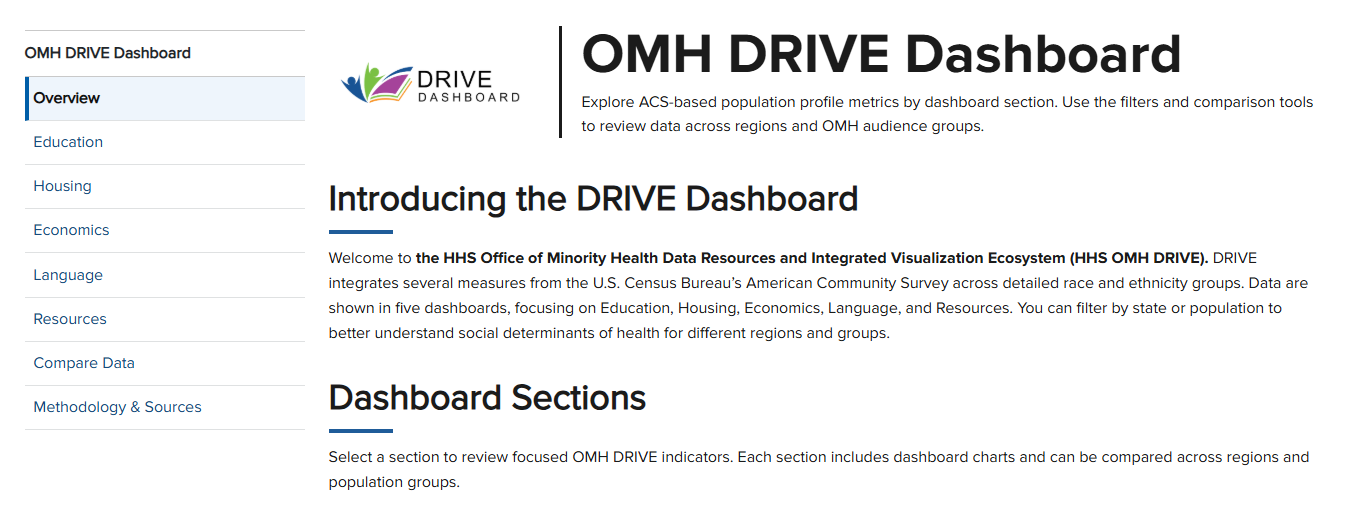
To go back to the Overview, key factor, or Compare Data pages, click on the corresponding title from the side list. See image below:
Date Last Reviewed: August 2026